
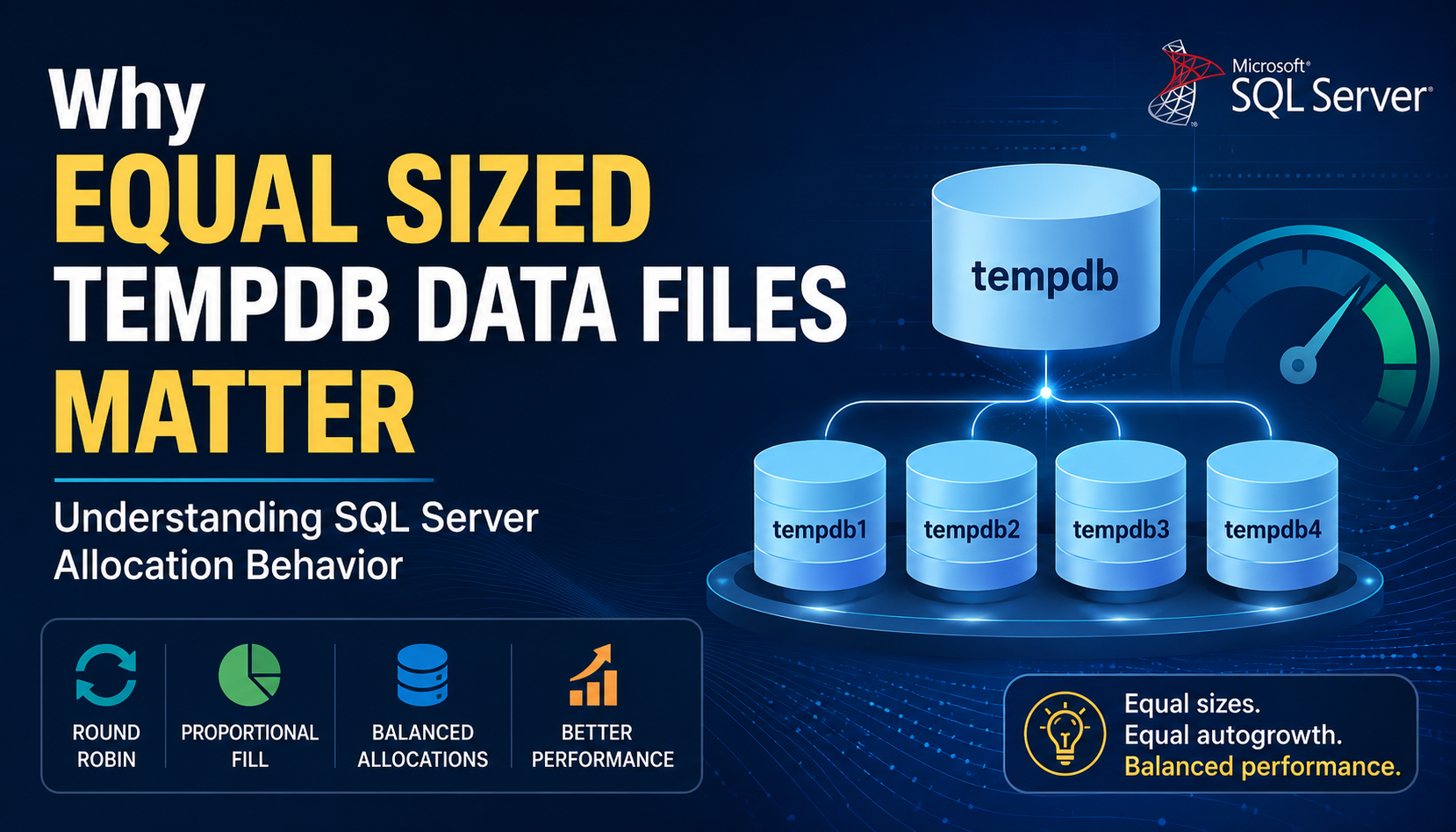
Why Equal Sized Data Files Matter: Understanding SQL Server Allocation Behavior
Introduction
Among all the databases, tempDB is one of the most heavily utilized system databases in SQL Server. Every day, it supports critical internal operations such as temporary tables, sorting, hashing, row versioning, index creation, worktables, and query processing. As workload concurrency increases, TempDB often becomes one of the first areas to experience performance bottlenecks.
To improve scalability and reduce allocation contention, Microsoft recommends configuring multiple TempDB data files with identical initial sizes and identical autogrowth settings. While many DBAs follow this recommendation, the reasoning behind it is often misunderstood.
A few common questions frequently arise:
- Why should all TempDB data files have the same size?
- Why should every TempDB data file use the same autogrowth setting?
- What happens internally when a new TempDB data file is added?
- Why is restarting SQL Server during a maintenance window considered a best practice after adding new TempDB data files?
The answers lie in SQL Server’s internal allocation behavior and the algorithms it uses to decide which TempDB data file receives the next allocation.
This article explores these algorithms and explains why proper TempDB file configuration plays a crucial role in maintaining balanced allocation and consistent performance.
Why Multiple TempDB Data Files?
TempDB is shared by every database on the SQL Server instance.
It is used for:
- Temporary tables (#Temp)
- Table variables
- Sort operations
- Hash Match operators
- Row versioning (Snapshot Isolation & Read Committed Snapshot)
- Index creation and rebuild operations
- Internal worktables and workfiles
When many sessions allocate pages simultaneously, allocation contention can occur on allocation map pages such as:
- PFS (Page Free Space)
- GAM (Global Allocation Map)
- SGAM (Shared Global Allocation Map)
To reduce this contention, SQL Server can distribute allocations across multiple TempDB data files.
However, simply adding more data files does not guarantee balanced allocation.
SQL Server still needs to decide which file should receive each new allocation.
How SQL Server Chooses a TempDB Data File
SQL Server does not randomly pick a TempDB data file.
Instead, it uses one of two internal allocation algorithms:
- Round Robin Algorithm
- Proportional Fill Algorithm
The algorithm selected depends on the relative free space available in each TempDB data file.
Round Robin Algorithm
When every TempDB data file has:
- The same initial size
- The same autogrowth configuration
- Similar free space percentages
SQL Server distributes allocations evenly across all data files.
Example:
Request 1 → TempDB1
Request 2 → TempDB2
Request 3 → TempDB3
Request 4 → TempDB4
Request 5 → TempDB1
Request 6 → TempDB2
Every TempDB file participates equally in page allocations.
Benefits
- Balanced allocation activity
- Uniform disk I/O
- Reduced allocation contention
- Better scalability under concurrent workloads
Proportional Fill Algorithm
When one TempDB data file contains significantly more free space than the others, SQL Server switches to the Proportional Fill algorithm.
Instead of distributing allocations equally, SQL Server allocates more pages to the file with the highest proportion of free space.
Example:
| Data File | Size | Used | Free |
| TempDB1 | 100 GB | 90 GB | 10 GB |
| TempDB2 | 100 GB | 90 GB | 10 GB |
| TempDB3 | 100 GB | 90 GB | 10 GB |
| TempDB4 | 100 GB | 0 GB | 100 GB |
Because TempDB4 has considerably more available free space, SQL Server directs most new allocations to that file until the free space ratio becomes comparable to the other files.
This behavior is intentional and helps utilize available free space efficiently.
Why Equal Sized TempDB Data Files Matter
Consider the following configuration.
Initial Configuration
TempDB1 64 GB
TempDB2 64 GB
TempDB3 64 GB
TempDB4 64 GB
All files have:
- Equal size
- Equal autogrowth
- Similar utilization
SQL Server uses the Round Robin algorithm.
Allocations are distributed evenly.
Now suppose a new file is added.
TempDB5 64 GB (Empty)
The existing files already contain allocated pages while the newly added file is completely empty.
Immediately after the addition:
TempDB1 48 GB Used
TempDB2 48 GB Used
TempDB3 48 GB Used
TempDB4 48 GB Used
TempDB5 Empty
Since TempDB5 has considerably more free space, SQL Server temporarily switches to the Proportional Fill algorithm.
Most new allocations are directed to TempDB5 until its free space percentage becomes similar to the existing files.
This creates a temporary allocation hotspot.
Why Identical Autogrowth Settings Matter
Many administrators ensure that TempDB files begin with identical sizes but overlook autogrowth settings.
Consider the following example.
| File | Initial Size | Autogrowth |
| TempDB1 | 64 GB | 512 MB |
| TempDB2 | 64 GB | 64 MB |
| TempDB3 | 64 GB | 64 MB |
| TempDB4 | 64 GB | 64 MB |
Over time:
- TempDB1 grows much faster than the others.
- It now contains significantly more available free space.
- SQL Server begins allocating more pages to TempDB1 using the Proportional Fill algorithm.
Although all files originally started with the same size, different autogrowth settings eventually create an imbalance.
For this reason, Microsoft recommends configuring both the initial size and autogrowth settings identically across all TempDB data files.
Should SQL Server Be Restarted After Adding TempDB Data Files?
Restarting SQL Server is not required after adding TempDB data files.
The new files become available immediately, and SQL Server begins using them without interruption.
However, if a maintenance window is available, restarting SQL Server is considered a best practice. Why?
Because TempDB is recreated every time SQL Server starts.
After the restart:
TempDB1 Empty
TempDB2 Empty
TempDB3 Empty
TempDB4 Empty
TempDB5 Empty
Every data file now has:
- Equal size
- Equal free space
- Equal autogrowth settings
SQL Server immediately resumes using the Round Robin algorithm, ensuring balanced allocations from the beginning and avoiding the temporary hotspot created by the Proportional Fill algorithm.
How to Verify Your TempDB Configuration
The following query displays the current TempDB data files, their sizes, and autogrowth configuration.
SELECT
name,
physical_name,
size * 8 / 1024 AS SizeMB,
growth,
is_percent_growth
FROM tempdb.sys.database_files;
Verify that:
- All data files have identical sizes.
- Fixed size autogrowth is configured consistently.
- Percentage based autogrowth is avoided for TempDB.
Common Configuration Mistakes
The following misconfigurations commonly result in uneven TempDB allocation:
- Configuring different initial file sizes.
- Using different autogrowth values across TempDB files.
- Adding new TempDB files without understanding allocation behavior.
- Restarting production SQL Server unexpectedly instead of scheduling a maintenance window.
- Assuming that increasing the number of TempDB files always improves performance.
Best Practices
To maintain balanced allocation behavior and optimal TempDB performance:
- Configure all TempDB data files with identical initial sizes.
- Configure identical fixed size autogrowth settings.
- Avoid percentage based autogrowth.
- Add multiple TempDB data files only when allocation contention exists.
- Restart SQL Server during a planned maintenance window after adding new TempDB data files to allow all files to begin with equal free space.
- Periodically review TempDB configuration as workloads evolve.
- Monitor allocation contention using waits such as PAGELATCH_UP, PAGELATCH_EX, and PAGELATCH_SH.
Conclusion
Configuring multiple TempDB data files is only part of an effective TempDB strategy. SQL Server’s internal allocation algorithms determine how work is distributed across those files.
When all TempDB data files have identical sizes, similar free space percentages, and consistent autogrowth settings, SQL Server uses the Round Robin algorithm to distribute allocations evenly. If one file has significantly more available space such as a newly added file or a file that has grown larger SQL Server switches to the Proportional Fill algorithm and temporarily favors that file.
Although restarting SQL Server after adding TempDB data files is not mandatory, doing so during a planned maintenance window recreates TempDB and returns all files to an equal starting point. This enables SQL Server to immediately resume balanced allocations using the Round Robin algorithm.
Maintaining equal sized TempDB data files with identical autogrowth settings is therefore not just a configuration recommendation it is a key best practice for achieving predictable allocation behavior, reducing allocation hotspots, and ensuring consistent TempDB performance under concurrent workloads.